Your own images—featuring a fully customizable moon display with a real, live moon phase—as your wallpaper: this has
never been done before!
GUI language switchable between German and English.
Example image of a wallpaper created with "Real Moon Phases Wallpapers", which is available for free alongside many other images (2000 fully configured
Images in four ZIP archives with 500 images each) on the
Download page
can be downloaded.
Particular emphasis was placed on an appealing design, intuitive usability, and extensive configuration options that bring individuality and variety to everyday computing.
We are convinced that we have achieved this goal with "Real Moon Phases Wallpapers."
But judge for yourself...
"Real Moon Phases Wallpapers" calculates the current moon phase—as well as the location-dependent rotation of the moon—in real time.
Optionally, the current moon phase is displayed as a small icon in the Windows taskbar or notification area (system tray).
Additionally, the current moon phase display can be integrated into your own background images and used as a Windows wallpaper.
To do this, the application generates a new background image at user-defined intervals—composed of the original image and the current lunar display—and assigns this constructed image as your Windows system wallpaper.
The original images in the wallpaper archive remain unchanged.
On our
download page
below, we offer four ZIP archives—each containing 500 ready-to-use background images across all genres—
for free download (totaling 2,000 images). You can simply copy these images into the application's image archive.
The application can automatically switch images from your wallpaper archive at freely definable time intervals.
Alternatively, a single wallpaper can be used.
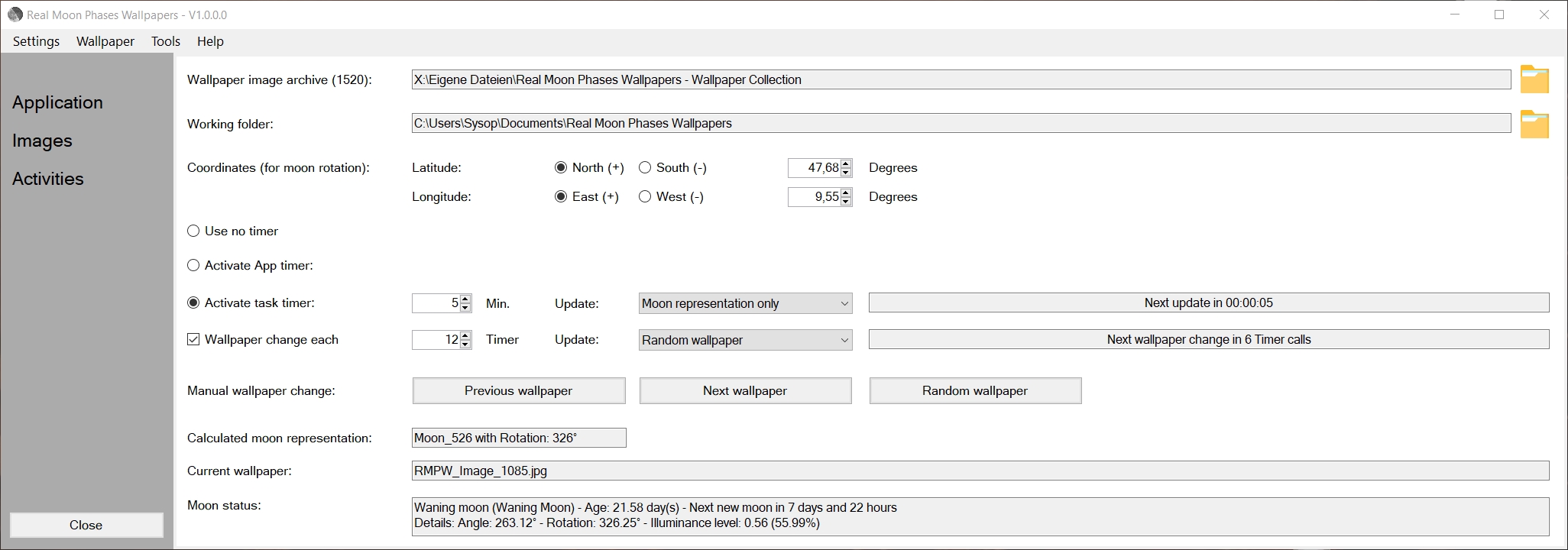
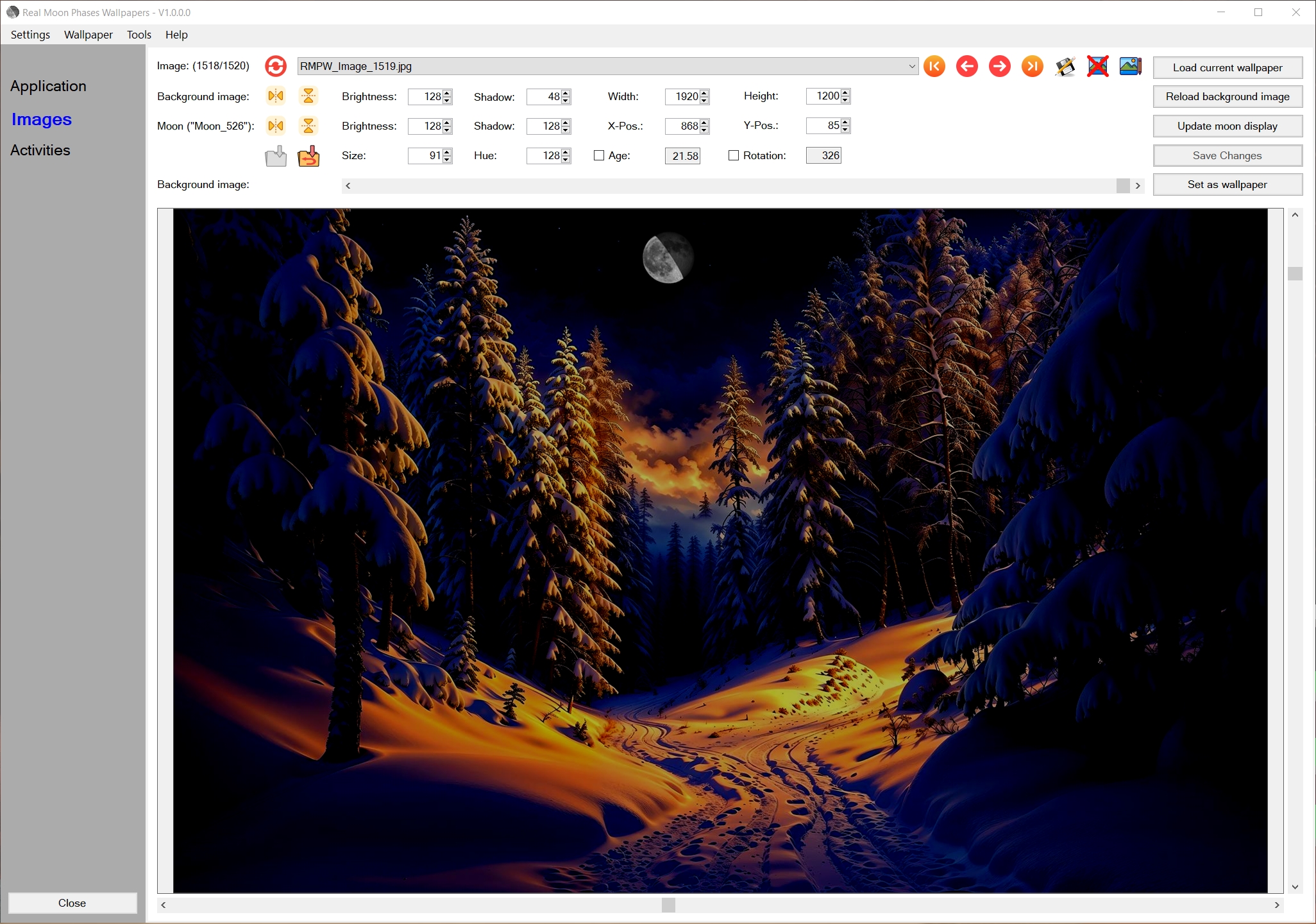
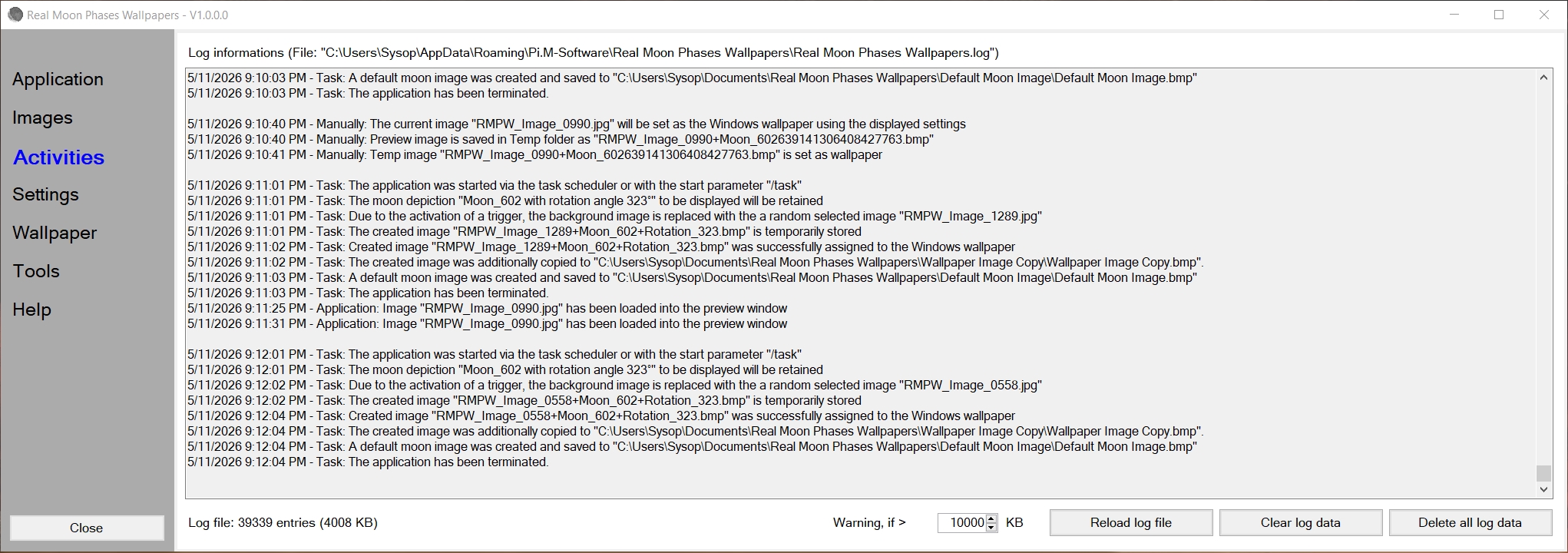
The software's interface and all text output can currently be manually switched between German and English.
Yes. The software's settings menu offers the following toggleable options:
The software automatically calculates the current moon phase based on current astronomical data.
The software automatically calculates the current lunar rotation based on the location coordinates stored in the application and current astronomical data.
Yes. You can use your own photos and background images directly.
Simply copy them into the directory assigned to the wallpaper image archive, and you can use the added images directly within the application.
Yes. This application does not establish a connection to the web or to external computers/servers.
Yes. It can be selected manually or set to follow the system settings.
Yes. If you save images from the web or your own personal collection to the Wallpaper Image Archive—with the intention of using
them within the application as wallpapers featuring the superimposed moon display—these images may potentially be larger
than the background image width and/or height currently configured on the "Images" page.
Consequently, due to their dimensions, these images may occupy more storage space within the wallpaper image archive than is
actually required by the application.
Therefore, the function "Tools" - "Reduce the size of oversized images in the Wallpaper Archive" allows you to scan all images in
your wallpaper image archive to identify any that exceed the configured background image dimensions, and, if necessary, resize them.
During this process, any images that exceed the specified background image dimensions are scaled down to match those
dimensions.
Images that are wider than the configured background image width are resized to match that width.
Similarly, images that are taller than the configured background image height are resized to match that maximum height.
Yes. In addition to the generated wallpaper assigned to the system as the desktop background, you can simultaneously have the software create a so-called
"default moon image"—an image showing only the current moon representation against a starry sky.
You can then use this image in any other applications.
The settings for this default moon image can be modified in the application's configuration file.
Furthermore, the currently generated wallpaper assigned to the system background can—if desired—be copied to a user-defined
directory.
You can then use this image in other applications as well.
Yes. You can switch the displayed wallpaper using hotkeys (keyboard shortcuts that trigger specific functions) while the application is running. The following hotkeys are defined by default (though they can be changed in the application settings file):
In order to use all program functions without restrictions, you must purchase a usage license, which you can purchase using our Order form for just USD 9.90.